- Please enter a search term.
-
China
Hong Kong, SAR
Indonesia
International
Ireland
Malaysia
Singapore
Vietnam
Worldwide (sunlife.com)

- Please enter a search term.
Prior authorization forms
Not sure if your plan requires prior authorization?
Many drugs require authorization forms, but your plan may not. Follow these steps to confirm if your plan needs a form (and which one) before you download.
- Sign in to my Sun Life
- Go to Benefits.
- Choose Drug lookup.
- Select Drug look up again on the next page.
- Search for your drug.
- Select your drug type. If you need a special or prior authorization form, you’ll find it listed under Percentage covered.
If you have your contract number handy, find your form here
Having trouble downloading the form?
If the form shows a ‘Please wait’ message, you can download the file. Then you can open it in Adobe Acrobat reader and fill it in electronically.
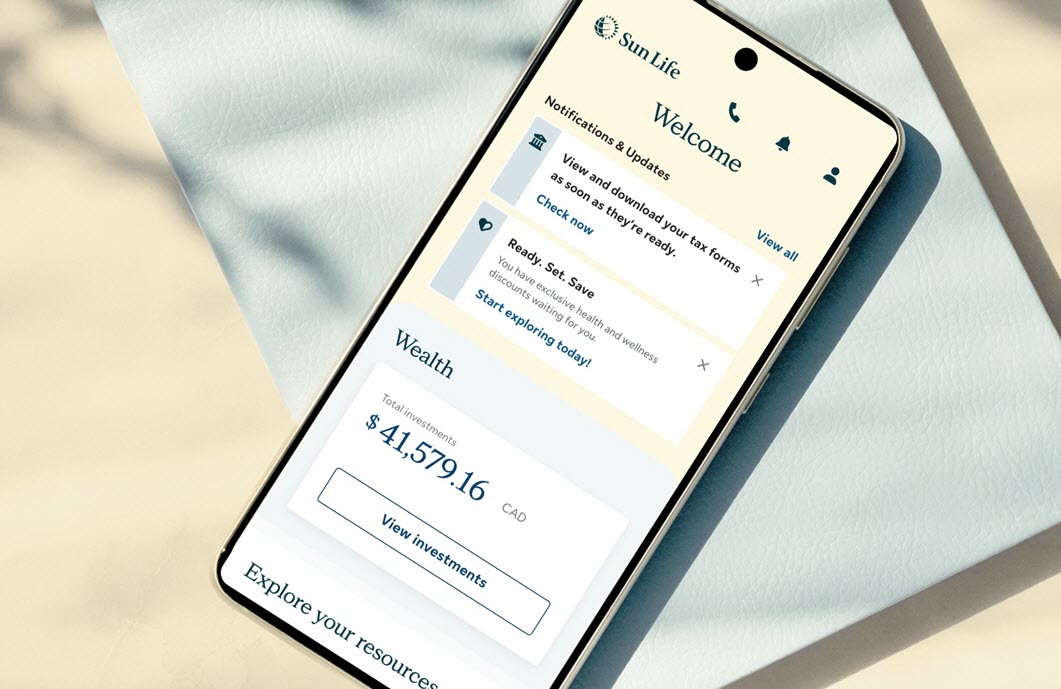
Everything you need, in one place
Access your benefits, savings and health resources - all in one easy-to-use app.


Mobile app access and features may vary by plan.
Need answers? Get help online, by chat, or phone
Chat with us
Mon to Fri, 9 a.m. - 5:30 p.m. ET.
Get personalized support through online chat or our mobile app. Sign in, go to Contact Us, then choose your workplace plan type to start a chat.
Call us
1-877-786-5433
Mon to Fri, 8 a.m. - 8 p.m. ET
Use our mobile app for faster and personalized support.