
Register for my Sun Life online to manage your plan
How to register
Here’s how to register a workplace or personal plan:
If you have a workplace email provided by your employer, or have already provided an email to Sun Life, use it to register. Otherwise, use an email address of your choice. Keep your account number, contract number, policy number or Member ID number on hand, just in case we ask for it.
Here’s how to register on behalf of a corporation, charity or trust:
Online registration for businesses such as corporations, charities, or trusts isn’t available. You’ll need to call us to register at 1-877-786-5433.
Had an account with us in the past?
You can continue to sign in using your existing email address/Access-ID.
If you’re not sure what you used for your email address or Access ID, we can remind you – we just need a few details first.
Having difficulty seeing your accounts after you’ve signed in?
If you can sign in but can’t see all your Sun Life products, select ‘Link my accounts’ at the top of the page after you’ve signed in. You’ll need to follow the prompts and provide your account number, contract number, policy number or Member ID. You can find this information on a statement from us, or on your benefit card. You can also ask your employer or Sun Life advisor.
If you can see some but not all of your accounts after signing in, then please contact us.
Why register for a my Sun Life online account?
Having an online account with us gives you easy access to your insurance and investments, including:
- Coverage,
- Claims,
- Balances,
- Account preferences,
- Statements,
- Tax receipts,
- Slips,
- Profile information and more.*
Find out more about what you can do with a my Sun Life account
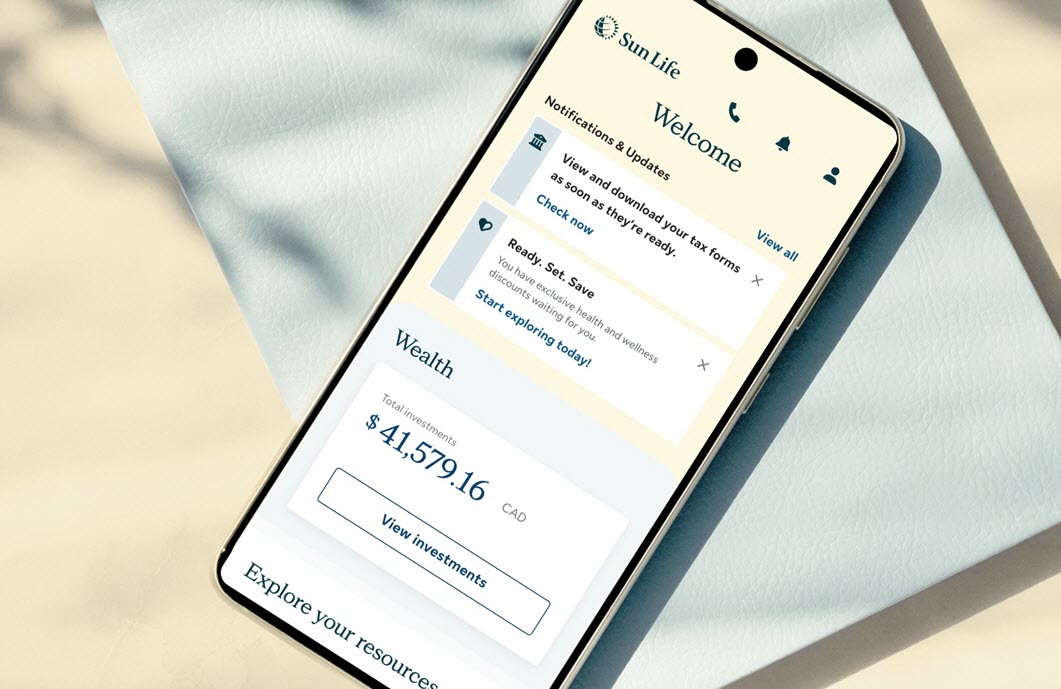
Everything you need, in one place
Access your benefits, savings and health resources - all in one easy-to-use app.


Mobile app access and features may vary by plan.
Need answers? Get help online, by chat, or phone
Chat with us
Mon to Fri, 9 a.m. - 5:30 p.m. ET.
Get personalized support through online chat or our mobile app. Sign in, go to Contact Us, then choose your workplace plan type to start a chat.
Call us
1-877-786-5433
Mon to Fri, 8 a.m. - 8 p.m. ET
Use our mobile app for faster and personalized support.