Find RRSP receipts & tax slips

How to get your latest tax documents on the web

  1. Sign in to my Sun Life.
  2. Select 'Profile', then select 'Documents'.
  3. Under 'Workplace investments', you'll find any latest documents.

Need previous year's tax documents?

  1. Sign in to my Sun Life.
  2. Select 'Profile', then select 'Documents'.
  3. From 'Workplace investments', select 'Tax slips & Contribution info'.
  4. Then, select the 'Tax slips' tab. Select which year's tax slips you need to download.

How to find your documents on the app:

  1. Select 'Documents'
  2. Select 'View documents' to find any latest documents.

Frequently Asked Questions

It depends on a few factors. Generally speaking, you should receive all your documents by the end of March. 

If you made a contribution to an RRSP between March and December, you’ll likely receive your receipt by the end of January the following year. If you made a contribution between January and February, you’ll likely receive your receipt by end of March in the same year.

All other tax slips and receipts will be available between mid-January to end of March.
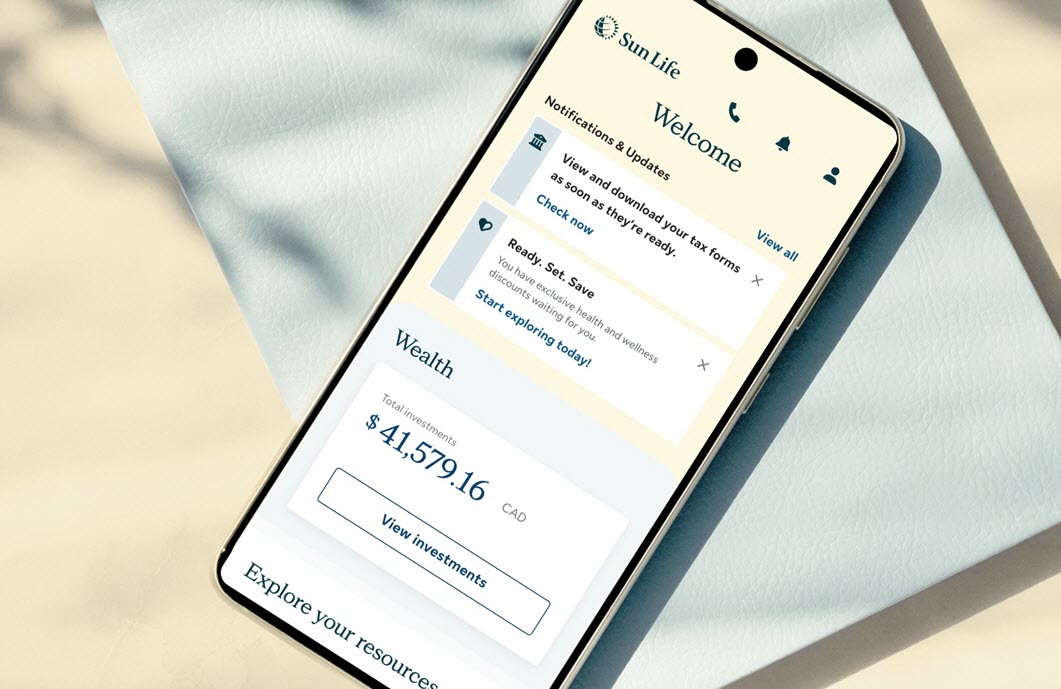
If we have your email address on file, we’ll send you an email when there’s a new document to view.  You can sign in to my Sun Life to make sure we have your most up-to-date email address.

Need answers? Get help online, by chat, or phone

Self-serve support

Get step-by-step instructions to solve common support problems.
 

Chat with us

Mon to Fri, 9 a.m. - 5:30 p.m. ET.
Get personalized support through online chat or our mobile app. Sign in, go to Contact Us, then choose your workplace plan type to start a chat. 

Call us

1-877-786-5433
Mon to Fri, 8 a.m. - 8 p.m. ET
Use our mobile app for faster and personalized support.