
Health or dental claim

How to submit a claim online

You can submit claims through my Sun Life online or using our mobile app.

On web:

  1. Sign in to my Sun Life
  2. Go to the 'Benefits' tab.
  3. Select 'Submit a claim' under the 'Benefits' tab.
  4. Select the type of claim you're looking to submit (such as medical, dental, or vision) and then follow the steps to submit your claim.

On mobile:

  1. Sign in to the my Sun Life mobile app.
  2. Go to 'Quick Actions' under the 'Home' tab or 'Health Actions' under the 'Health' tab.
  3. Select 'Start a claim'.
  4. Select the type of claim you're looking to submit (such as medical, dental, or vision) and then follow the steps to submit your claim.

Note that our hours of operation for submitting a health or dental claim online are:

  • Monday to Friday from 6 a.m. to 11:59 p.m. ET
  • Saturday from 6 a.m. to Sunday 2 a.m. ET
  • Sunday from 8 a.m. to 11:59pm ET

Frequently Asked Questions

If this is the first time you're submitting a claim online, you'll need to add your banking information for direct deposit reimbursements. Here's how you do it:

  1. Sign in to my Sun Life on the web.
  2. Select the 'Benefits' tab.
  3. Choose 'Benefits centre'. 
  4. Look for the 'Take me to' list, and choose 'Direct deposit and online claim statements'. 
  5. Then, choose 'Register'. You'll need your banking information and email address to get started. 
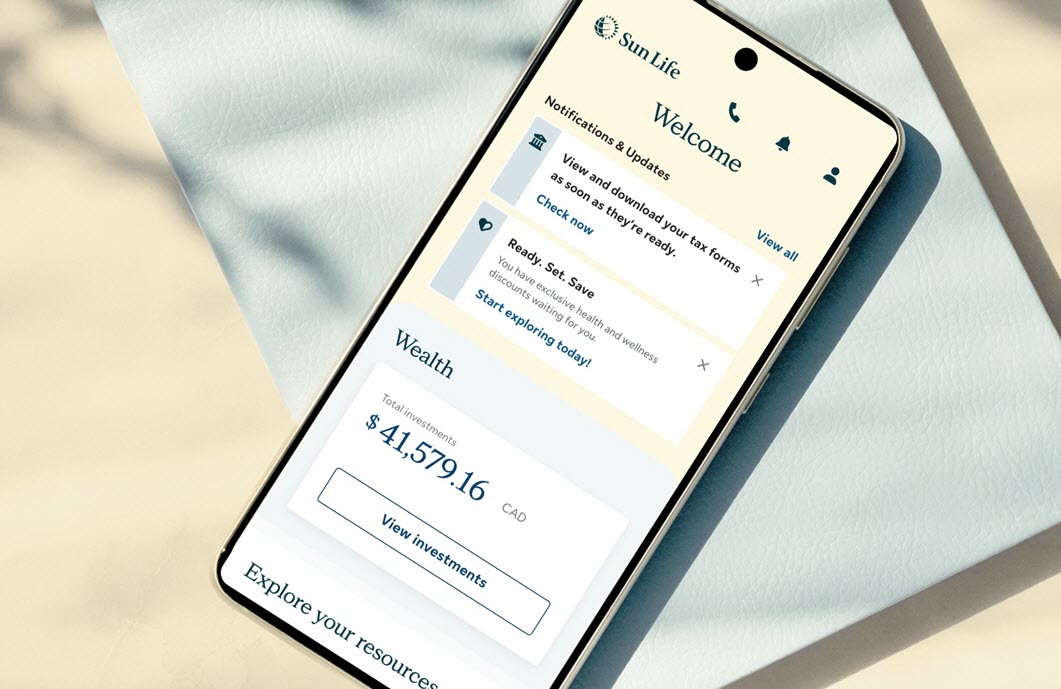
If your healthcare provider lets you know that they can submit our claim directly to us, you'll need to show your coverage card. 

Get your coverage card on your smartphone

Download our app to use your smartphone as your coverage card:

  1. Sign in to my Sun Life mobile using your email address and password.
  2. Select the ‘Health’ tab.
  3. Select ‘Health Actions’.
  4. Choose 'Coverage cards'.

To check the status of your claim online: 

  1. Sign in to my Sun Life on the web.
  2. Go to the 'Benefits' tab.
  3. Go to 'All claims'. 
  4. If you're waiting for a claim payment, view its current status under 'In progress'.

Note that most claims can be submitted online, but there are still some that need a paper form to be processed. For those claims, you'll need to print a paper claim form after you have registered and signed in to your account. 

To access paper claim forms: 

If you're making a claim under both your and your spouse's or partner's workplace benefits plans. Follow these instructions: 

  • If submitting your claim to Sun Life first, send a signed claim form and the original receipts. 
  • If submitting your claim to Sun Life second, provide a copy of the claim statement from your spouse's or partner's insurance provider. 

To learn more, sign in to my Sun Life  > Benefits centre > Coordination of benefits. 

If your employer or organization doesn't offer personalized claim forms, you can get the most commonly used non-personalized group claim forms here

To get your claim reimbursement more quickly, sign up for direct deposit.

Claims submitted either through the my Sun Life mobile app or through the web are usually settled promptly. 

If approved, any reimbursement amount is usually deposited into your bank account within 2 business days, if you're signed up for direct deposit. You must be signed up for direct deposit in order to submit claims through the my Sun Life mobile app. Others can take up to 15 business days. Depending on the type of claim, your account, plan or policy.

It's best to submit your claim as soon as possible after your service or treatment. Your plan or policy will dictate how long you have until you can no longer submit your claim. Review your plan member booklet or policy for further details. 

Note that our hours of operation for submitting a health or dental claim online are: 

  • Monday to Friday from 6 a.m. to 11:59 p.m. ET 
  • Saturday from 6 a.m. to Sunday 2 a.m. ET 
  • Sunday from 8 a.m. to 11:59 p.m. ET 

Most claims can be submitted online. However, if you don't see the 'Submit a claim' option within the hours of availability, it could mean online submission is not available for your claim type. In that case, choose 'I want to submit a paper claim'. 

Need answers? Get help online, by chat, or phone

Self-serve support

Get step-by-step instructions to solve common support problems.
 

Chat with us

Mon to Fri, 9 a.m. - 5:30 p.m. ET.
Get personalized support through online chat or our mobile app. Sign in, go to Contact Us, then choose your workplace plan type to start a chat. 

Call us

1-877-786-5433
Mon to Fri, 8 a.m. - 8 p.m. ET
Use our mobile app for faster and personalized support.