
Disability insurance claim
How to submit a claim
Be timely
We know this can be overwhelming. For a smoother process, please contact us as soon as you’re ready to file a claim.
Be thorough
Give us as much information as you can when you send us your claim form. Make sure to sign and date the forms you send us.
How was the plan purchased?
Here’s the information you need to submit a short-term or long-term disability claim.
Disability claims can be submitted three ways. If your plans allows, you can submit online or using the app.
|
Step 1. Talk to your employer
- Discuss how long you will be away from work and confirm your benefit coverage.
- Apply for short-term benefits first, if your employer provides this coverage.
- Ask them to fill out a Plan Sponsor Statement form and send it to us.
Step 2. Fill out your Plan Member Statement form
This is where you will give us details about why you are submitting your claim.
- If your plan has custom forms, get them from your employer. If not, use one of these generic Plan Member Statements for short term or long term disability.
- You can print your Plan Member Statement, complete it and send it to us using the “Send documents” function on either the app or online. You can also use one of the methods in the “How to submit your completed form(s)” section of the Plan Member Statement.
Step 3. Talk to your doctor
- Ask your doctor to fill out an Initial Disability Insurance Medical Statement. Your doctor may charge you a fee for this.
- Make sure your doctor includes any test results, clinical notes and reports for your claim.
- Either you or your doctor can submit your completed form. If it’s your doctor, we recommend you follow up with them to make sure they have sent your Initial Disability Insurance Medical Statement to us.
Step 4. Send us your documents
- Use the “Send documents” button online or in the app to give us your completed Plan Member Statement plus any other documents you want to include with your claim. For example:
- banking information (see Step 5)
- medical information
- resume
- You can send PDF, JPEG/JPG and PNG file types. The maximum upload size for all files together is 30 MB.
- Confirm with your employer and your doctor that they’ve sent in their Statements (see Steps 1 and 3). Once we get your Statements, we can use these documents to start processing your claim.
Step 5. Set up direct deposit
To get your payment faster, set up direct deposit.
If you use online banking:
- Sign in to your online banking.
- Download a direct deposit form.
- Fill in the transit, institution and account numbers.
- Write your full name and group disability policy number on it.
- Use the “Send documents” button to give it to us.
If you use cheques:
- On the front of a personalized cheque, write ‘VOID’ and your group disability policy number.
- Take a picture of the void cheque.
- Use the “Send documents” button to give it to us.
Step 6. Focus on your health and recovery
- Continue your treatment.
Frequently asked questions about employer disability claims
How long will it take to review my claim?
Our review can take up to 5 business days for a short-term disability claim, and 10 business days for a long-term disability claim. We’ll contact you as soon as we’ve completed our review of your claim.
How are my benefits calculated?
Your disability benefits are calculated based on your income when you stopped working. There is more information in your employee benefits booklet.
If my claim is approved, when do my payments start?
Your payments will start on the date your plan’s waiting period is over. This is called an elimination period. If the date is in the past, you will be paid benefits retroactively.
We’re here to help
If you have any questions about submitting a disability claim, please give us a call at 1-800-361-6212, any business day from 8:00 a.m. to 8:00 p.m. ET.
Step 1. Contact us
Please call us at 1-877-786-5433, Monday to Friday from 8 a.m. to 8 p.m. ET to let us know about your condition.
We’ll start by asking you for basic information:
- Your name
- Policy number
- Date of birth
- Telephone number
- Address
- The type of illness or condition
Step 2. Send us additional information
Once we’ve confirmed the basic information for your claim, we’ll ask you to complete one or more forms depending on your condition. An advisor will connect with you to confirm what we need. They’re also happy to answer questions about your claim.
You can also call us at 1-877-786-5433, Monday to Friday from 8 a.m. to 8 p.m. ET. We’re here to help.
Step 3. Send us your claim information
Please keep a copy of the documents you send us for your records. If you need to send medical information for your claim, your doctor can send us the information directly.
You can send forms and any other details to us using one of these options:
Fax:
1-866-487-4745
Mail:
Sun Life
227 King St S
PO Box 1601 Station
Waterloo, ON
N2J 4C5
Sun Code: 300A50
Courier:
Sun Life
227 King St S
Waterloo, ON
N2J 4C5
Sun Code: 300A50
Email:
disable@sunlife.com
If you choose to send your information by email, we can’t guarantee the privacy or security of email communications while they’re on their way to us.
The most common missing information is:
- Physician contact information: the full address, including postal code and phone number of all the doctors you consulted. This includes regular attending physicians - and specialists.
- Signatures: If you're unable to sign the Long Term Care insurance - Claimant's statement form due to your illness, make sure it's signed by your power of attorney for property. Submit the form appointing the power of attorney along with the signed Long Term Care insurance - Claimant's statement form.
Step 4. Our review
After we receive the information we need, we’ll start our review of your claim. We may also reach out for further information if we need it. You can ask your advisor for an update on your claim or send them more information any time during our review.
You can call us at 1-877-786-5433, Monday to Friday from 8 a.m. to 8 p.m. ET. We’re here to help.
Step 5. The claim decision
Once we’ve finished our review, we’ll send you a letter to let you know if your claim is approved.
If we approve the claim, we’ll apply the payment to your policy.
If we don’t approve the claim:
- We’ll send you a letter with a detailed explanation about our decision, including any relevant medical information.
- If you choose to appeal our decision, we’ll give you next steps.
- You’ll have 90 days to send us new information. If your doctor charges a fee to send us new medical information, you’ll have to pay the cost.
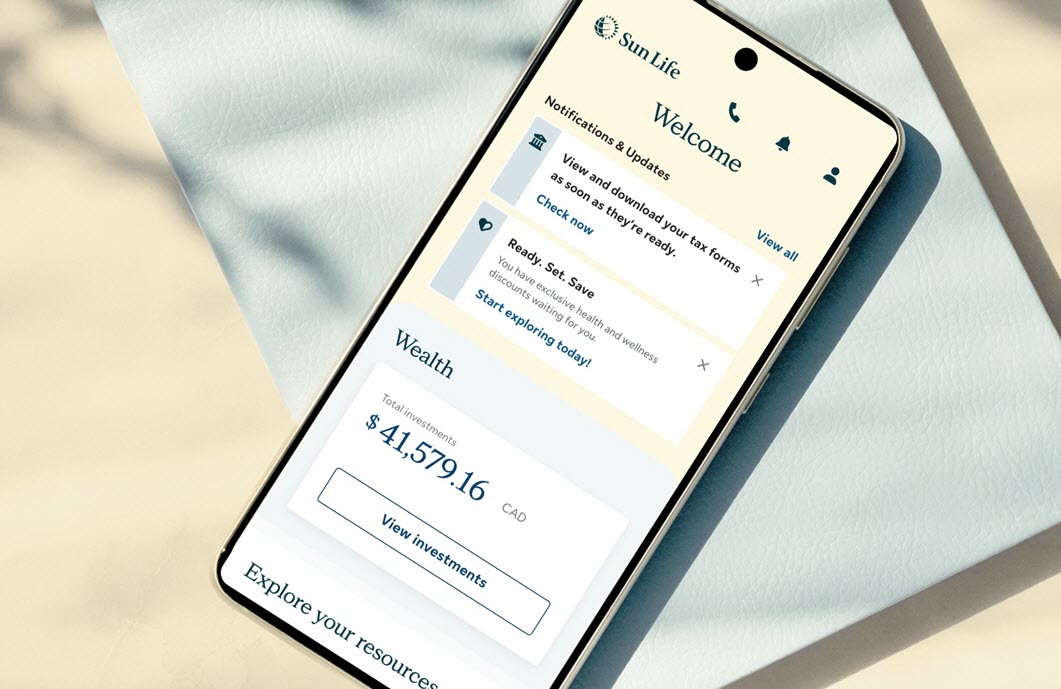
Everything you need, in one place
Access your benefits, savings and health resources - all in one easy-to-use app.


Mobile app access and features may vary by plan.
Need answers? Get help online, by chat, or phone
Chat with us
Mon to Fri, 9 a.m. - 5:30 p.m. ET.
Get personalized support through online chat or our mobile app. Sign in, go to Contact Us, then choose your workplace plan type to start a chat.
Call us
1-877-786-5433
Mon to Fri, 8 a.m. - 8 p.m. ET
Use our mobile app for faster and personalized support.