Take out money
- Sign in to my Sun Life
- From the Investments page, choose the plan you want to withdraw from.
- Select Make a change from the top menu and choose Withdraw.
Note: If this option is enabled for your plan, you’ll see which products allow you to make a withdrawal online. If not, call the Customer Care Centre at 1-866-733-8612, Monday to Friday, 8 a.m. to 6 p.m. ET.
Change your fund lineup
- Sign in to my Sun Life
- From the Investments page, choose the plan you want to update.
- Select Make a Change from the top menu and choose Change investments.
Not registered yet? Take a few minutes to register now
You can also call the Customer Care Centre at 1-866-733-8612, Monday to Friday, 8 a.m. to 8 p.m. ET. Remember to have your registered email address and password ready to enter into our automated telephone system.
Put money into your account
On web:
- Sign in to my Sun Life
- From the Investments page, choose the plan you want to contribute to.
- Select Put Money In from the top menu and choose Make a contribution.
On mobile:
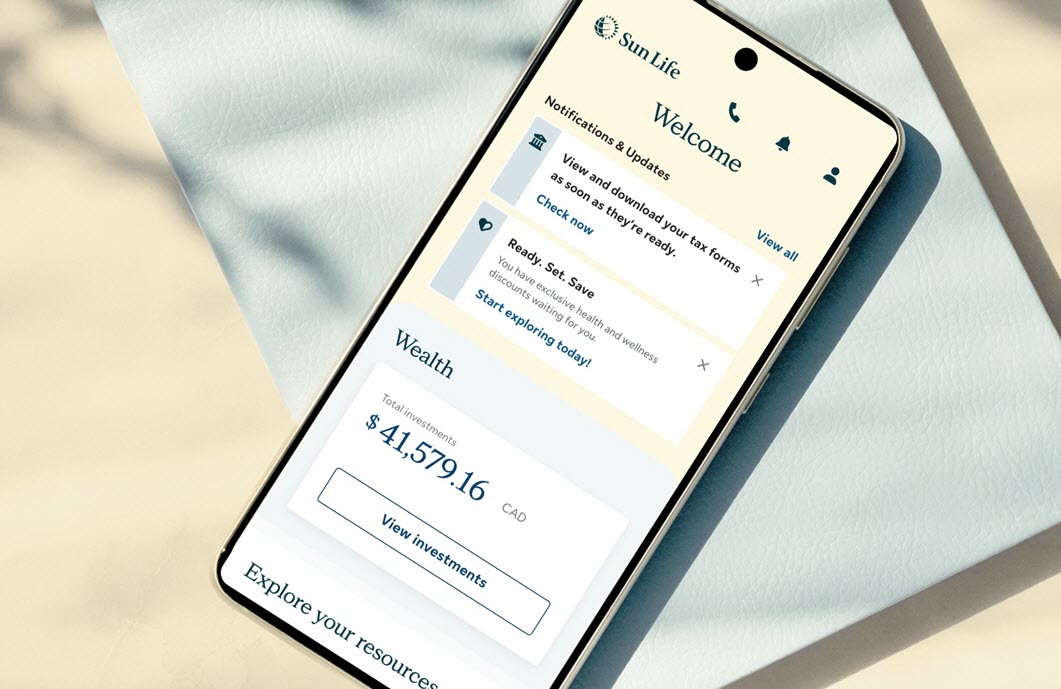
- Sign in to the my Sun Life mobile app.
- Go to the ‘Wealth’ tab and select the plan you want to contribute to.
- Select ‘Your contributions’.
- Then select ‘Make a new contribution’ and follow the instructions from there.
You can also put money into your account with our mobile app by setting your investment instructions. Download the my Sun Life mobile app.