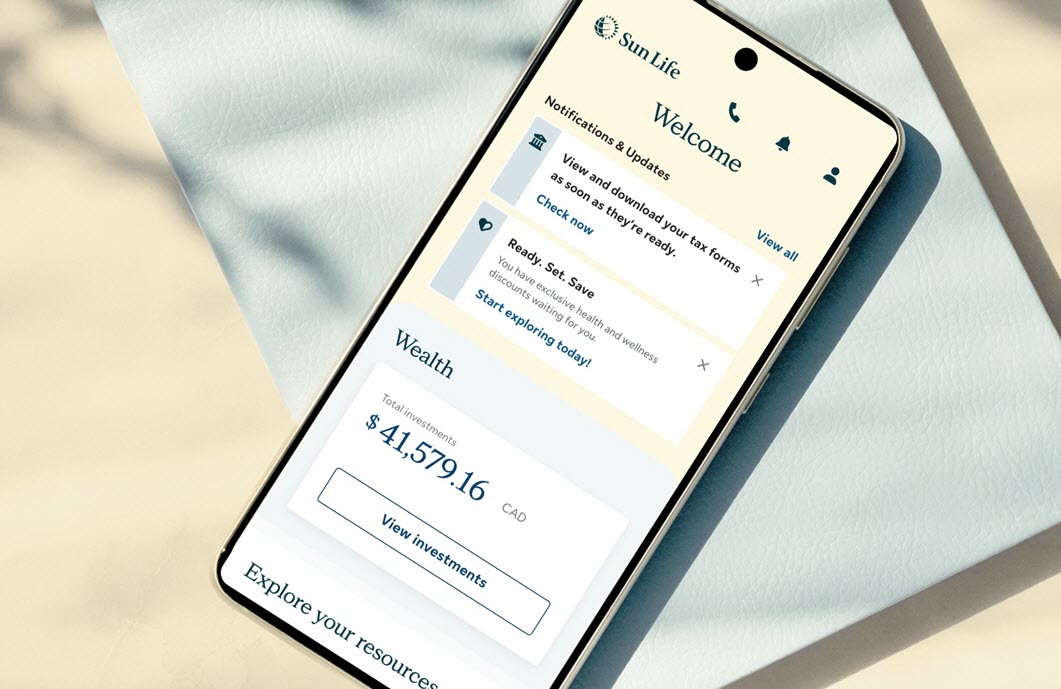
For pension and saving plans:
To see who your beneficiaries are:
- Sign in to my Sun Life.
- Under Investments, select My financial centre.
- Under Quick links, select Beneficiary info.
To change your beneficiaries:
- Sign in to my Sun Life.
- Under Investments, select My financial centre.
- Under Quick links, select Beneficiary info.
- Under Update Beneficiary info, download the Beneficiary designation form. Then follow the instructions on the page.
Not registered yet? Take a few minutes to register now. You can also call the Customer Care Centre at 1-866-733-8612, Monday to Friday, 8 a.m. to 8 p.m. ET. Please have your coverage card ready.
Remember to have your registered email address and password ready to enter into our automated telephone system.
For health benefit plans:
1. Download and print one of these forms:
- Beneficiary nomination (102G-E). Use this form to name or change a beneficiary (the person or people who get the payment after you die) for your life and accidental death benefits.
- Beneficiary nomination with optional benefits (102G-OPT-E). Use this form to name or change a beneficiary for your optional life and accidental death benefits.
2. Complete the form and sign it.
3. Send the completed form to your plan administrator.